AI HTS Classification: Where It Helps and How to Ground It in Live Tariff Data

If you import into the United States, you have probably already tried AI HTS classification: pasting a product description into a chatbot and asking for its code. The answer comes back in seconds, it looks confident, and it is often in the right neighborhood. The question is whether “the right neighborhood” is good enough when the number lands on an entry or a checkout page.
This post kicks off a new series on AI and logistics. We will look at AI agents for customs and tariffs, language models and classification, the Model Context Protocol for trade data, and AI in freight. We start with the question we hear most.
What HTS classification actually involves
The Harmonized Tariff Schedule of the United States is published and maintained by the US International Trade Commission. Every imported product is placed in a numbered heading and subheading, and the duty you owe depends on that code plus the country of origin.
Classification is not keyword matching. The schedule’s General Rules of Interpretation decide how a product is placed, and two products that sound alike can land in different chapters. We cover those rules step by step in our guide to HTS classification and the General Rules of Interpretation, so we won’t repeat them here.
On top of the base rate, extra duties can apply through special provisions in Chapter 99, such as Section 301 duties on certain goods from China or Section 232 duties on steel, aluminum and some other products. Those layers change through presidential proclamations and Federal Register notices, sometimes with little warning.
Where AI HTS classification genuinely helps
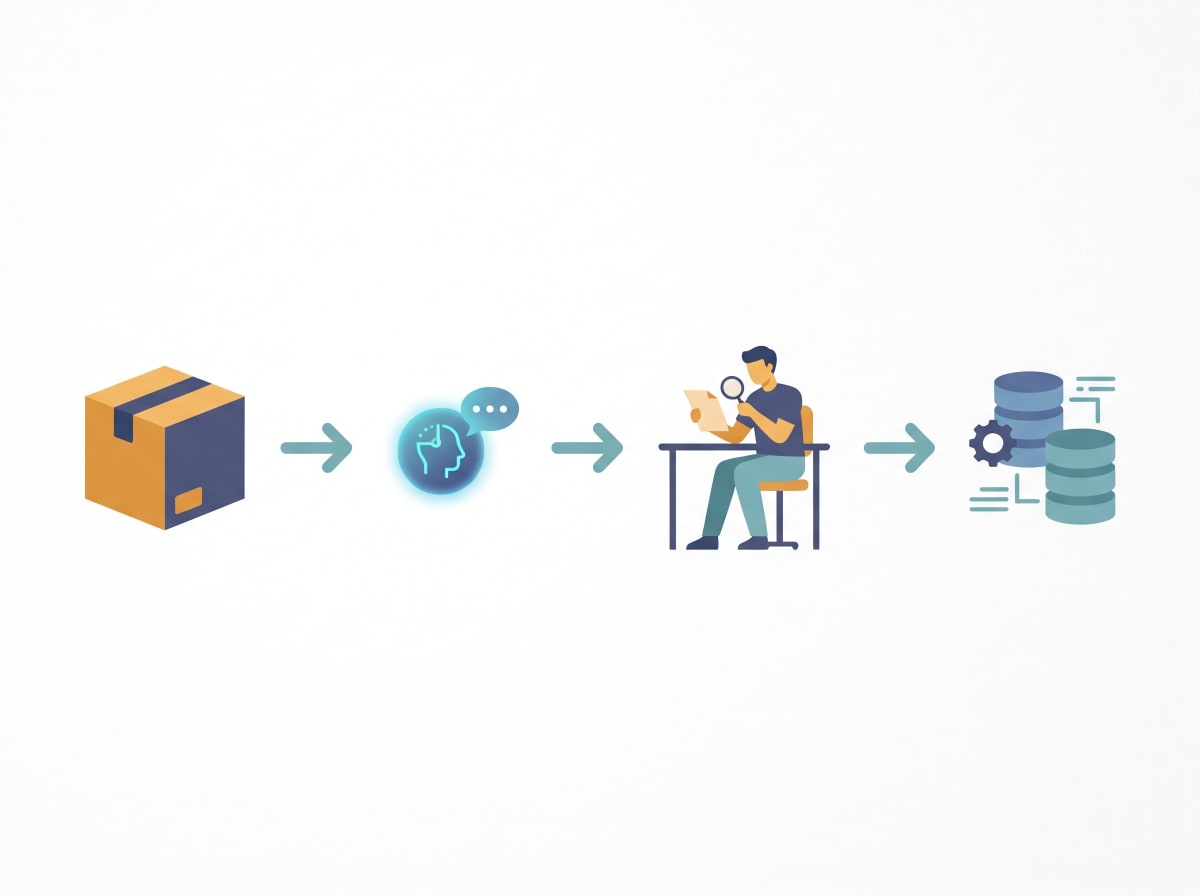
Language models are good at the parts of this work that are about reading and narrowing down:
Turning messy product data into a clean description
Supplier spreadsheets are full of internal names and abbreviations. A model can rewrite “SS btl 500 dbl wall” into “stainless steel vacuum-insulated drinking bottle, 500 ml,” which is what classification actually needs.
Suggesting candidate headings
Given a good description, a model can usually point to a short list of plausible headings and explain why. That saves a broker or compliance lead real time on a first pass.
Asking the right follow-up questions
The useful assistants do not just answer. They ask what the product is made of, whether it is a set, and what it is used for, because those facts decide the code.
Summarizing rulings and notes
CBP publishes its rulings in the searchable CROSS database. A model can help read and summarize past rulings on similar products, so a person can check whether the reasoning fits.
Where AI still falls short
It can sound sure and still be wrong
Language models predict likely text. They can produce a well-formatted ten-digit code that does not exist, or that existed in an older edition of the schedule.
Its knowledge has a cutoff date
A model trained months ago does not know about a proclamation published last week. Duty rates, especially the extra layers under Chapter 99, are exactly the kind of thing that moves after a training cutoff.
Responsibility stays with the importer
Under US law the importer of record must use “reasonable care” when declaring classification and value. An AI suggestion does not shift that duty. If you need certainty on a tricky product, CBP’s binding ruling process exists for that, and many importers rely on a licensed customs broker.
How to ground an LLM with a live tariff source
The practical pattern is simple. Use AI for the language work, have a person confirm the code, and pull rates from a source that tracks the official schedule rather than from the model’s memory.
That is the role we built Tariffs API for. To be clear about what we do and do not do: we do not classify products. Once you have an HTS code, our API returns the duty for that code and country of origin, including base rates and the extra layers like Section 301, Section 232 and other Chapter 99 measures, with warnings when something needs a second look. You can see what a per-code breakdown looks like on any HTS code page, or try the free tariff calculator.
For developers, the /resolve endpoint in our API documentation is a single call you can wire into a checkout, ERP or broker tool.
How MCP connects AI assistants to trade data
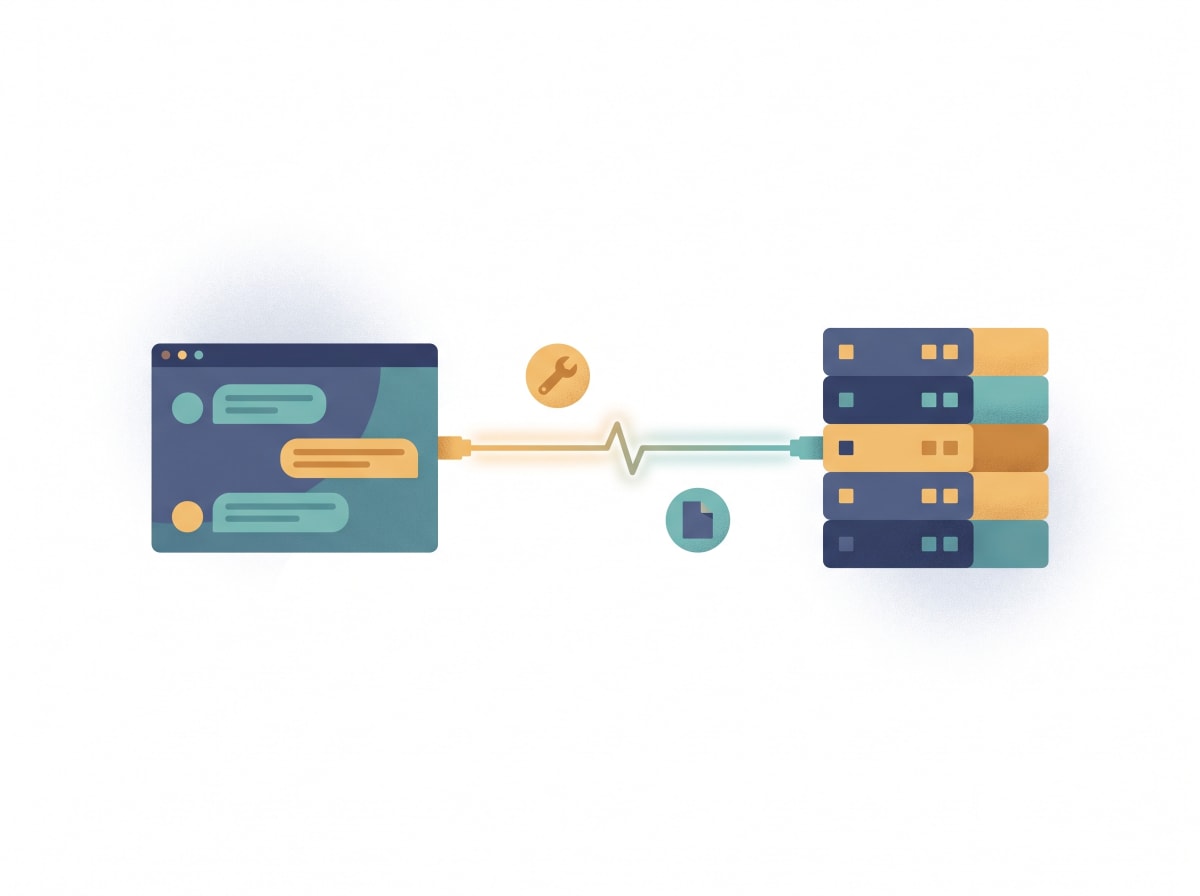
The Model Context Protocol is an open standard for connecting AI applications to outside tools and data. In plain terms, it gives an assistant a standard way to call a function, such as “look up the duty for this code from this country,” and get back structured data instead of guessing. Servers can offer tools the model can run, resources it can read, and prompt templates. Under the hood it uses JSON-RPC messages.
This post does not benchmark any model. What it describes is a setup you can reproduce yourself: connect your assistant to a tariff data source over MCP, give it an HTS code and origin, and check that the rates it reports come from the tool call rather than from memory.
Why this matters for trade: an assistant connected to a tariff data server over MCP can answer “what would this shipment cost to land?” by calling live data at the moment of the question. The model handles the conversation; the server supplies the numbers.
Our MCP server works with clients such as Claude Desktop, Cursor and Windsurf. Setup steps are in the MCP integration section of our docs.
A sensible workflow for importers and brokers
- Clean the description. Use AI to turn supplier data into a clear statement of what the product is, what it is made of and what it does.
- Get candidate codes. Let the assistant propose a short list with its reasoning.
- Confirm with a person. A broker or trained compliance lead checks the notes and, where needed, past CBP rulings.
- Pull live rates. Look up the confirmed code and origin against current tariff data.
- Keep a record. Save the reasoning and the rate lookup with the shipment file, which helps show reasonable care.
What is next in this series
Coming up: what AI agents can and cannot do in customs workflows, how to build a landed-cost assistant with MCP, and where AI is showing up in freight quoting and tracking. If you want a head start, browse the HTS index or read the API documentation.
This article is general information, not legal or customs advice. For a binding answer on a specific product, talk to a licensed customs broker or request a ruling from CBP.
Sources
- USITC Harmonized Tariff Schedule (official schedule, General Rules of Interpretation, Chapter 99): https://hts.usitc.gov/
- CBP Customs Rulings Online Search System (CROSS): https://rulings.cbp.gov/
- 19 CFR Part 177, Administrative rulings (binding rulings process): https://www.ecfr.gov/current/title-19/chapter-I/part-177
- 19 U.S.C. 1484, importer’s duty of reasonable care: https://www.law.cornell.edu/uscode/text/19/1484
- MCP specification (JSON-RPC; tools, resources, prompts): https://modelcontextprotocol.io/specification/2025-06-18
- MCP introduction: https://modelcontextprotocol.io/docs/getting-started/intro
- Tariffs API GRI guide: https://tariffsapi.com/news/hts-classification-general-rules-of-interpretation
- Tariffs API product facts (no classification; rates incl. 301/232/Chapter 99; MCP server): https://tariffsapi.com/llms.txt
- Tariffs API documentation (resolve endpoint, MCP setup for Claude Desktop, Cursor, Windsurf): https://tariffsapi.com/api-documentation